
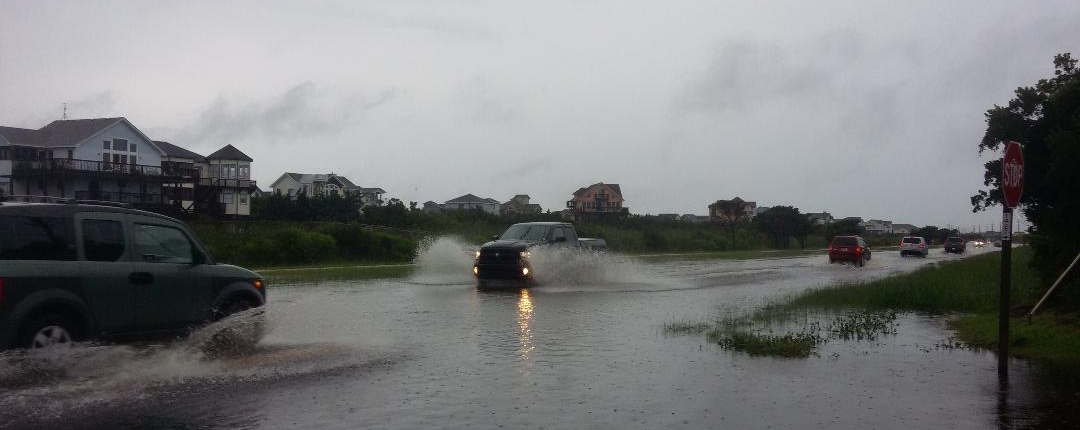
Our clients live and work in beautiful locations around the country, but if there’s one thing that is universal, it’s that a natural disaster can affect just about every corner of the world.
Hurricanes, tornadoes, snowstorms, and even fires have all impacted property management companies across the United States, and these events can be detrimental to your day-to-day operations.
This is exactly why LSI Tools created the Disaster Recovery Tool, and offers it for FREE for all of our clients.
We know that when a storm or other natural disaster hits, you need to be prepared, organized, and have a streamlined response, so that you can get back to business as soon as possible.
As the 2018 Atlantic Hurricane season winds down, as well as the summer and fall rental seasons for a number of vacation rental companies, it’s the perfect time to revisit this tool, and to train new employees on how the Disaster Recovery Tool works.
Need a little inspiration to start facilitating your training efforts? Then read on to discover a few reasons as to why NOW is the time to discover the Disaster Recovery Tool.
The winter may be when you have time to train
Many vacation rental companies slow down in the wintertime, and if this describes your company, it’s an ideal time for your team to learn something new. Allow your staff some time to experiment with the tool and host training sessions, so they will already be familiar with it when the summer vacation season hits up again.
The best time to train is before a disaster hits
When a hurricane or other disaster is on the horizon, your team members have their hands full. Between all the coordination it takes to prep, monitor, and assess your properties during a disaster, your staff simply does not have the time to learn a new tool. As such, the best time to train is before a disaster affects your area, and not during or after.
It’s easy to set up a “test” disaster
One of the best ways to familiarize yourself with the Disaster Recovery Tool is to use it, and it’s easy to create a “test” disaster to allow your team to create new notes, upload images, fill out checklists, and get to know the varying aspects of this tool. To do so, simply click “Create new disaster” in your main screen, and allow your staff to fill in the blanks as they have time.
Did we mention the Disaster Recovery Tool is FREE?
We want to make sure you are as prepared as possible when a disaster strikes, and we also want to ensure you can start recovering immediately afterwards. With the Disaster Recovery Tool, your team can all stay on the same page, and can handle every aspect of a natural disaster with organization and time-saving steps throughout.
 Your Privacy Choices